
Mastering Git: Solo, Team & Workflows
From add/commit/push to calm under any history
For developers who use git every day but only add/commit/push — and freeze at a conflict or a history they think they’ve broken. Two days, any stack: git is the stack.
The problem
Sound familiar?
A conflict shows up and your stomach drops — you git merge --abort and hope, or copy the folder “just in case”.
You think you deleted work with reset --hard and don’t know the reflog exists.
Your team has no written branching strategy — everyone does it differently and main breaks weekly.
PRs get rubber-stamped “LGTM” because nobody was taught how to review.
What you leave with
What you walk away with
Not notes — artifacts you built yourself, ready to use on Monday.
A mental model of commit / ref / HEAD you can draw — git stops being magic
Recovery reflexes: reflog rescue, stash, aborting cleanly — nothing committed is ever lost again
History surgery on demand: interactive rebase, cherry-pick, amend, and bisect
A merged PR you authored and a real review you gave, on a shared practice remote
A one-page team git playbook (branching strategy + merge/rebase policy + PR rules) ready for Monday
The proof
Why this course delivers
10
modules
~14
contact hours
100%
lab-first, both days
Every scary scenario is provoked on purpose — lost commits, botched rebases, real conflicts between two people — then repaired by you
10 modules, ~14 contact hours, both days lab-first: Day 1 solo mastery, Day 2 team workflows on a shared remote
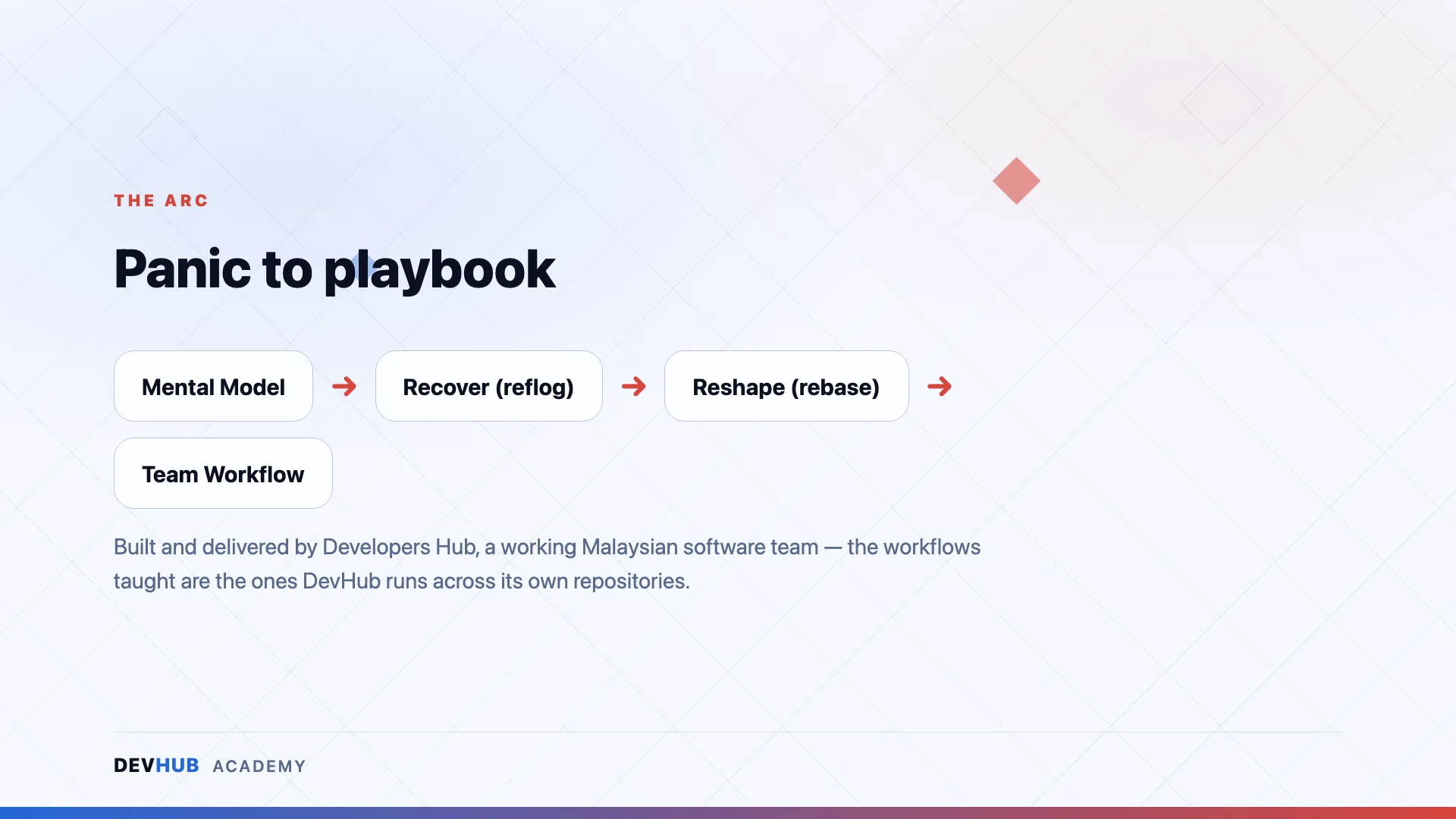
Built and delivered by Developers Hub — a working Malaysian software team; the workflows taught are the ones DevHub runs across its own repositories
Questions
Frequently asked
Who is Mastering Git: Solo, Team & Workflows for?
For developers who use git every day but only add/commit/push — and freeze at a conflict or a history they think they’ve broken. Two days, any stack: git is the stack.
What do I walk away with?
Artifacts you built yourself, not notes — including:
- A mental model of commit / ref / HEAD you can draw — git stops being magic
- Recovery reflexes: reflog rescue, stash, aborting cleanly — nothing committed is ever lost again
- History surgery on demand: interactive rebase, cherry-pick, amend, and bisect
Is this training hands-on or lecture-based?
Hands-on. Our trainings are taught by practitioners who ship production software daily — you spend the sessions building, breaking and fixing real things, not watching slides.
Is it delivered online or in person?
Delivery format and duration are decided per run — some runs are physical, some online. The details for each scheduled session are announced when registration opens.
How do I register, and how much does it cost?
Dates, venues and pricing are announced with each run. Hit “Get Notified” and you’ll be first in line when registration opens.
Ready to take a seat?
No run scheduled yet? Get notified and be first in line when registration opens — dates, venue and pricing land in your inbox first.