
Docker & Container Fundamentals
Stop copy-pasting Docker commands you don’t understand
For developers who already deploy apps but treat Docker as magic incantations — commands lifted from a wiki, a Dockerfile inherited from someone who left. Two hands-on days, ~85% keyboards-on.
The problem
Sound familiar?
You type docker compose up every day and pray — you couldn’t say what half the file does.
Your Dockerfile was copy-pasted from a colleague who left; nobody dares touch it.
A container “won’t connect” and you’re changing lines at random until it works.
Your image is 1.2 GB and takes forever to push; you don’t know which line made it fat.
What you leave with
What you walk away with
Not notes — artifacts you built yourself, ready to use on Monday.
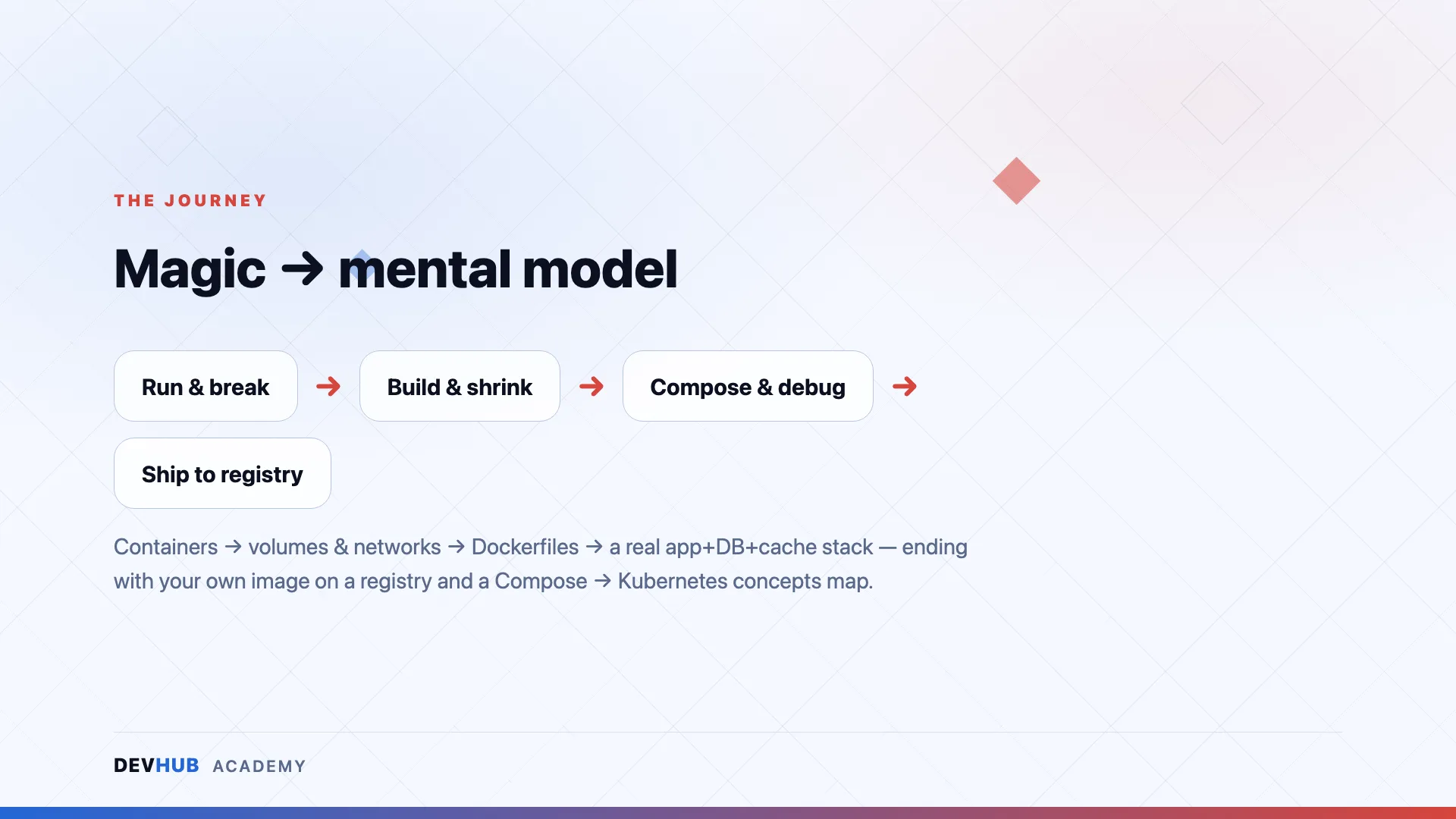
Run, inspect, and clean containers deliberately; persist data with named volumes; wire containers on a network
A Dockerfile written from scratch — then shrunk with layers, .dockerignore, and multi-stage builds
A three-service stack (app + DB + cache) under one compose.yaml with healthchecks and env-based config
Three broken containers debugged with a repeatable toolkit
An unfamiliar app containerised by you and pushed to a registry — a link you can pull from any Docker host
The proof
Why this course delivers
~85%
keyboards-on
3
services in your compose stack
1
image pushed to a registry
Every concept built from evidence, not slides — you run, inspect, and break each one on your own machine
Ships a real, verifiable artifact: an image you containerised from scratch, pushed to a registry by close
Any stack — labs use Node.js and Python demo apps precisely so the skill transfers, not a framework
Technologies
What this course covers
Questions
Frequently asked
Who is Docker & Container Fundamentals for?
For developers who already deploy apps but treat Docker as magic incantations — commands lifted from a wiki, a Dockerfile inherited from someone who left. Two hands-on days, ~85% keyboards-on.
What do I walk away with?
Artifacts you built yourself, not notes — including:
- Run, inspect, and clean containers deliberately; persist data with named volumes; wire containers on a network
- A Dockerfile written from scratch — then shrunk with layers, .dockerignore, and multi-stage builds
- A three-service stack (app + DB + cache) under one compose.yaml with healthchecks and env-based config
Is this training hands-on or lecture-based?
Hands-on. Our trainings are taught by practitioners who ship production software daily — you spend the sessions building, breaking and fixing real things, not watching slides.
Is it delivered online or in person?
Delivery format and duration are decided per run — some runs are physical, some online. The details for each scheduled session are announced when registration opens.
How do I register, and how much does it cost?
Dates, venues and pricing are announced with each run. Hit “Get Notified” and you’ll be first in line when registration opens.
Ready to take a seat?
No run scheduled yet? Get notified and be first in line when registration opens — dates, venue and pricing land in your inbox first.