
Linux for Developers
Operate the servers your apps run on
For web and app developers who deploy to Linux but have only ever pasted the commands. Over two days you take one server from empty to production-shaped — and leave knowing exactly what to type, and why.
The problem
Sound familiar?
You deploy to Linux by pasting commands from a runbook you don’t fully understand — and it’s fine until it isn’t.
Something breaks in production, you SSH in, and you don’t know which command tells you why.
One person on the team “owns the server” and everything routes through them.
You can build the app, but the box it runs on is a black box.
What you leave with
What you walk away with
Not notes — artifacts you built yourself, ready to use on Monday.
A Linux VM you built yourself, hardened to SSH-key-only login (passwords off)
Your own app running as a systemd service that restarts on crash and survives reboot
The app deployed behind nginx on port 80, behind a firewall allowing only SSH + HTTP
A health-report shell script you wrote, run against your own server over SSH
Proven ability to diagnose and fix three staged server failures — with systemctl, journalctl, ss, and curl, no guessing
The proof
Why this course delivers
10
modules
10
hands-on labs
3
break/fix drills you solve
10 modules, 10 labs — every single module is hands-on, no lecture-only blocks
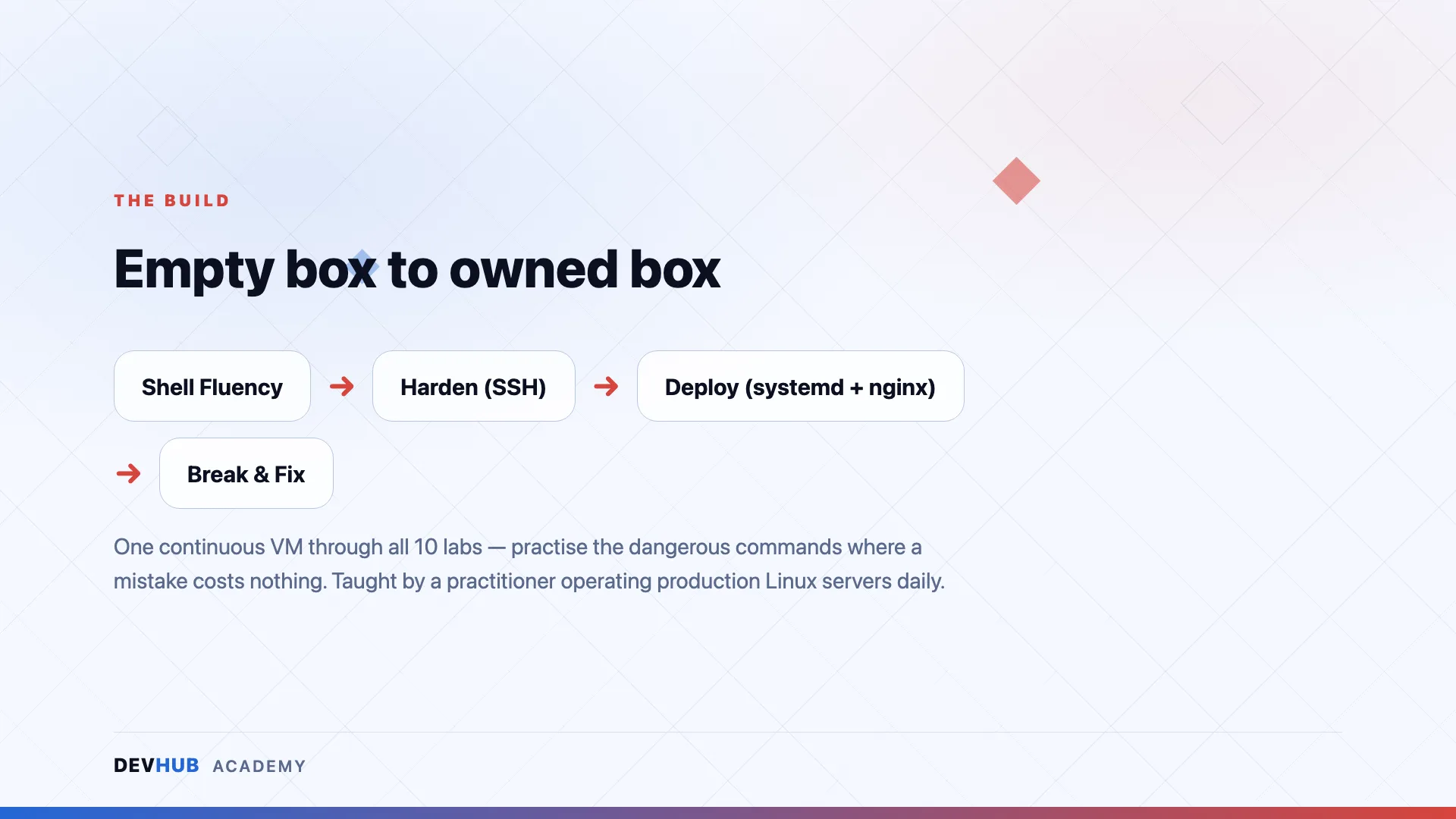
One continuous build: the same VM goes empty → shell-fluent → hardened → deployed → firewalled, then break/fix drills
Zero risk to real systems — labs run entirely on a disposable local VM you create in lab 1
Taught by a practitioner who operates production Linux servers daily
Questions
Frequently asked
Who is Linux for Developers for?
For web and app developers who deploy to Linux but have only ever pasted the commands. Over two days you take one server from empty to production-shaped — and leave knowing exactly what to type, and why.
What do I walk away with?
Artifacts you built yourself, not notes — including:
- A Linux VM you built yourself, hardened to SSH-key-only login (passwords off)
- Your own app running as a systemd service that restarts on crash and survives reboot
- The app deployed behind nginx on port 80, behind a firewall allowing only SSH + HTTP
Is this training hands-on or lecture-based?
Hands-on. Our trainings are taught by practitioners who ship production software daily — you spend the sessions building, breaking and fixing real things, not watching slides.
Is it delivered online or in person?
Delivery format and duration are decided per run — some runs are physical, some online. The details for each scheduled session are announced when registration opens.
How do I register, and how much does it cost?
Dates, venues and pricing are announced with each run. Hit “Get Notified” and you’ll be first in line when registration opens.
Ready to take a seat?
No run scheduled yet? Get notified and be first in line when registration opens — dates, venue and pricing land in your inbox first.