G8Deck Uni Discovery: a day of deploying, not watching
On 23 September 2026 we ran G8Deck Uni Discovery at German Malaysian Institute, a one-day workshop for final-year students, lecturers and IT staff. By the end of the afternoon, the room had working applications at real web addresses.
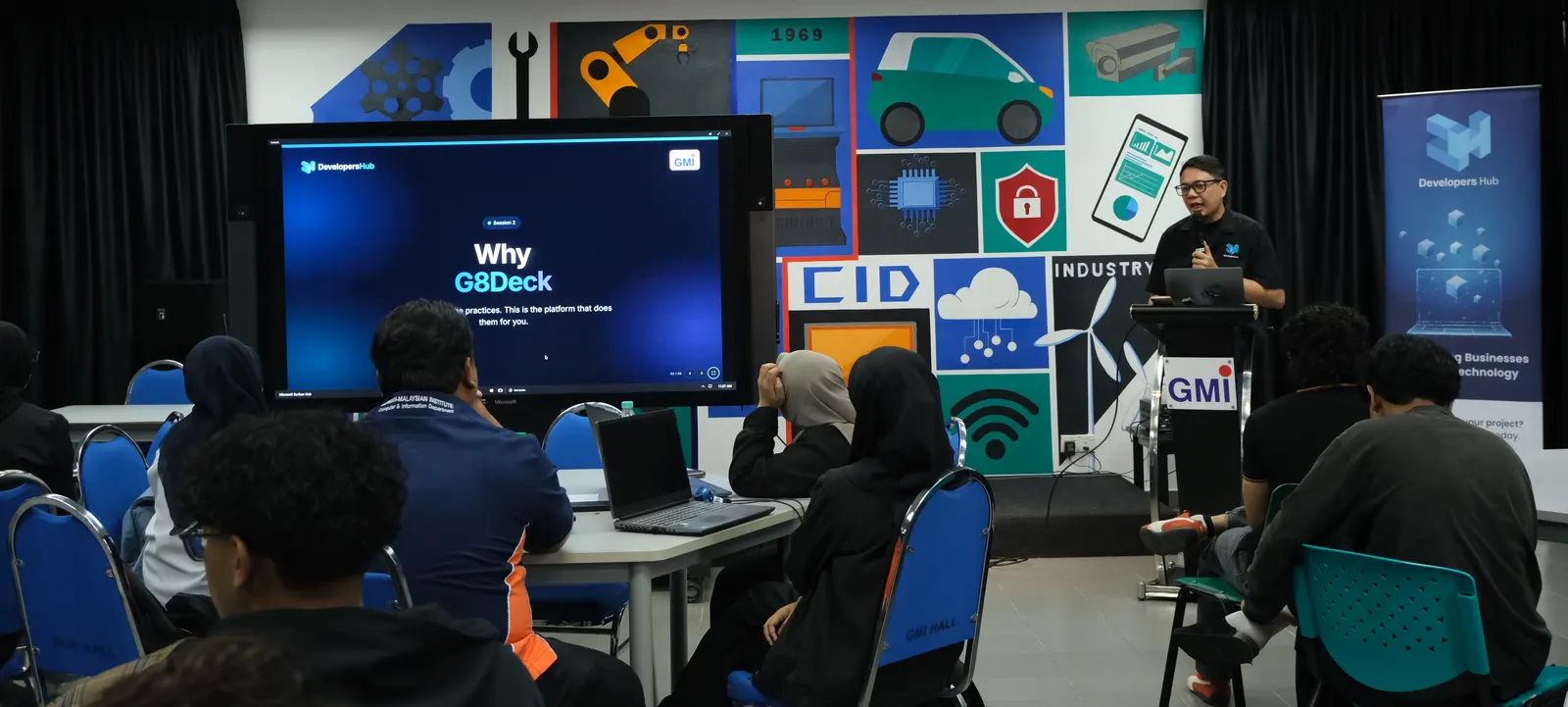
Most final-year projects are built properly and then shown from a laptop. The student demonstrates the code, the examiner watches, and the project never runs anywhere else. That leaves out deploying the system, running it, seeing it fail and fixing it, which is exactly what employers ask about.
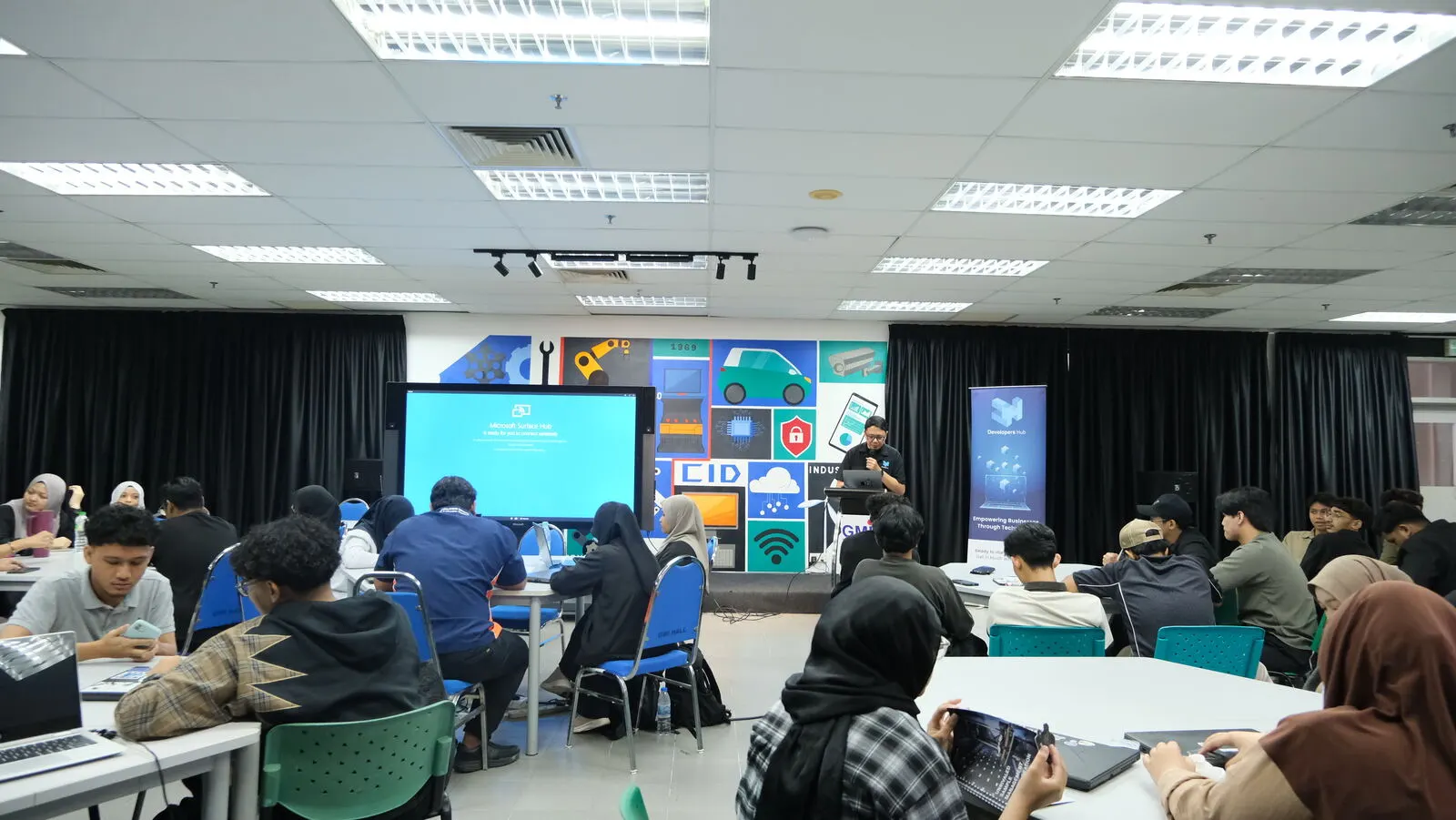
On Wednesday, 23 September 2026, we spent a full day at German Malaysian Institute (GMI) in Bangi working on that gap. G8Deck Uni Discovery put final-year students, lecturers and the IT department in one room. The aim was for everyone to leave with an application running at an address they could open on their own phone.
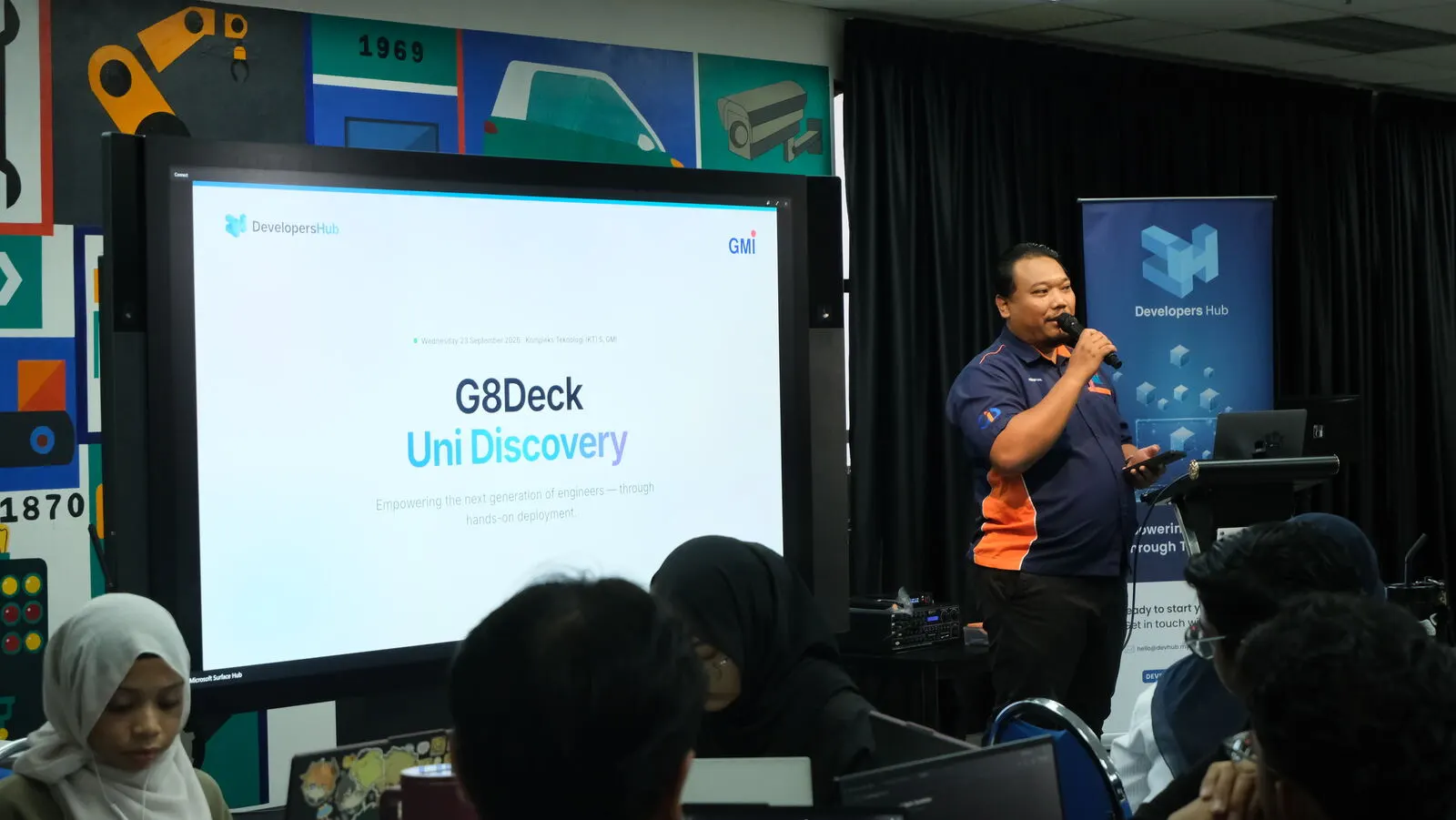
Why one room, three audiences
Each group needs something different from a deployment platform:
- Students need somewhere to deploy their project. A laptop does not count. Their supervisor and examiner should be able to open the project themselves, whenever they like.
- Lecturers need to see the running system and how it got there, not just a demo on the day. A running system is assessment evidence. A screenshot is not.
- IT needs one platform with a quota for each student. Handing out thirty servers one ticket at a time does not work. A server handed out that way has no owner, no limit and no end date.
With all three in the room, each group heard what the other two were asking for. Questions that usually go back and forth by email for weeks were answered on the spot.
Morning: the why and the how
Introduction to DevOps
We opened with one definition: DevOps is a way of working where the people who build software also take responsibility for running it, supported by enough automation to make that practical. It has three parts, and none of them is optional:
- Culture. Build and operations are one team with one goal. They are not two departments with a ticket queue between them.
- Automation. Anything done by hand more than twice becomes a script the computer runs. People decide what and when. Machines do the repetition.
- Feedback. You find out what a change did within minutes, from tests, logs and users. You don't wait six weeks for the next release meeting.
We also cleared up three common myths. DevOps is not a job title. Hiring one "DevOps engineer" does not change how the rest of the team works. It is not a tool, because no purchase makes a team work this way. And it does not mean "ship fast, always". Fast is only safe when every change is tested first.
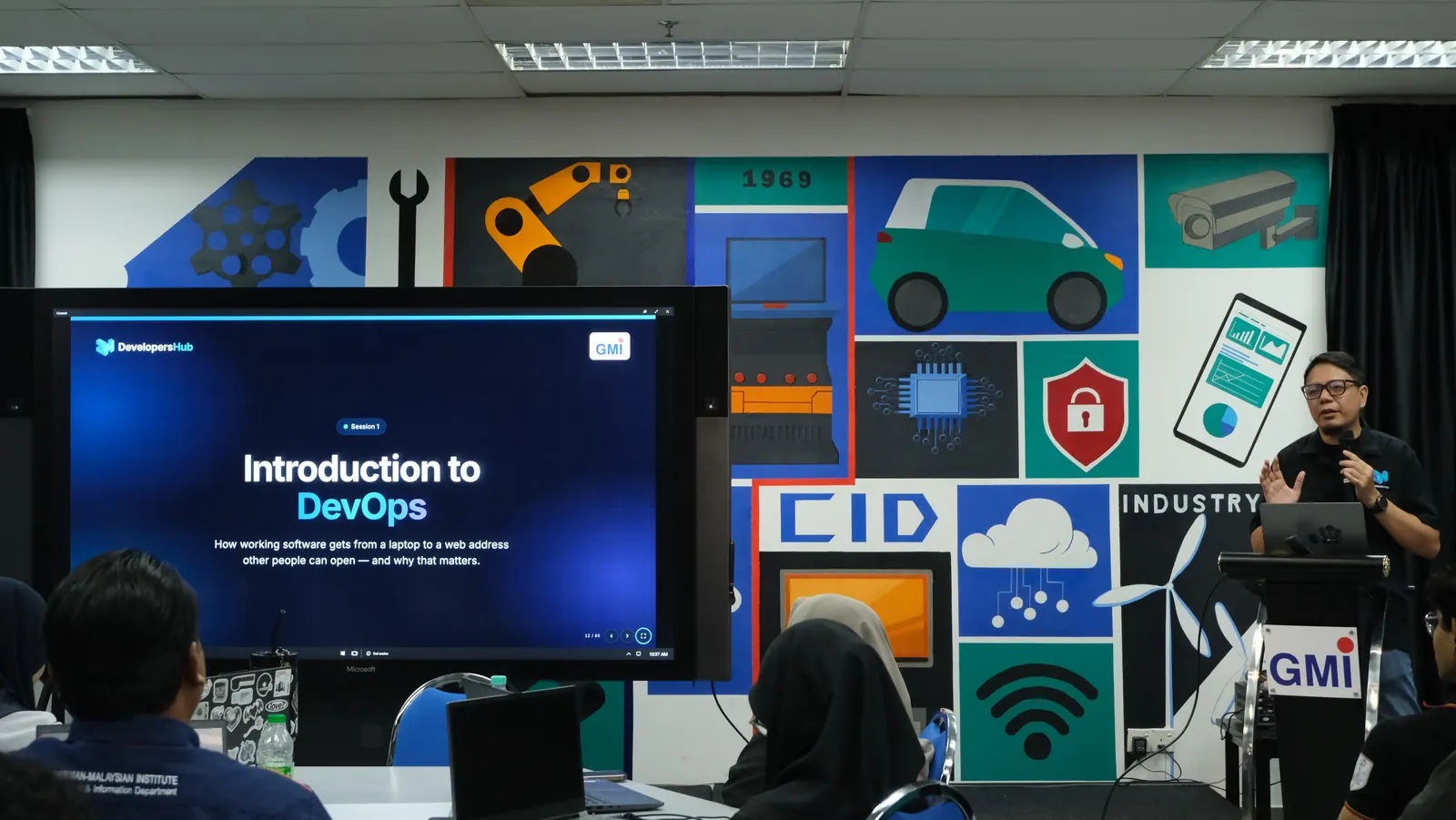
The core of the session was the gap between your laptop and a real server. A laptop has your PHP version, a database you filled by hand months ago and a settings file nobody else has, and you are its only user. A server has files you cannot freely change and passwords you may not paste anywhere. Its programs must restart themselves at 3am. Five problems will sound familiar to any final-year student:
| The problem | The practice that fixes it |
|---|---|
| Deploying for the first time the night before | Test every change, release small and often |
| Editing files directly on the server | Know what it is doing, and undo it fast |
| A password saved into the code | Version control, with secrets kept out of it |
| Demoing from your own laptop | One build, many places: a demo with its own address |
| One person owns deployment | Everyone on the team can deploy |
Each practice came with a detail students tend to miss. A password pushed by accident and deleted in the next commit is still in the git history, so the fix is to change the password, not to delete the line. A build is made once and moved from dev to demo to production unchanged, and only the settings differ. And the standard to aim for is finding out a system is broken before your users tell you. The teams that deploy most often are also the ones that fail least and recover fastest.
Why G8Deck
The second session answered the obvious next question: who does all of that for a class of students? G8Deck puts your application on your own servers, the same way, every time. Every release is recorded and nothing leaves your network. You point it at a server, describe the shape of the application as a Blueprint, and it builds, runs and watches the application from then on. G8Deck is part of g8suite, our family of products that run inside your own walls. It is the piece that puts software online and keeps it there.
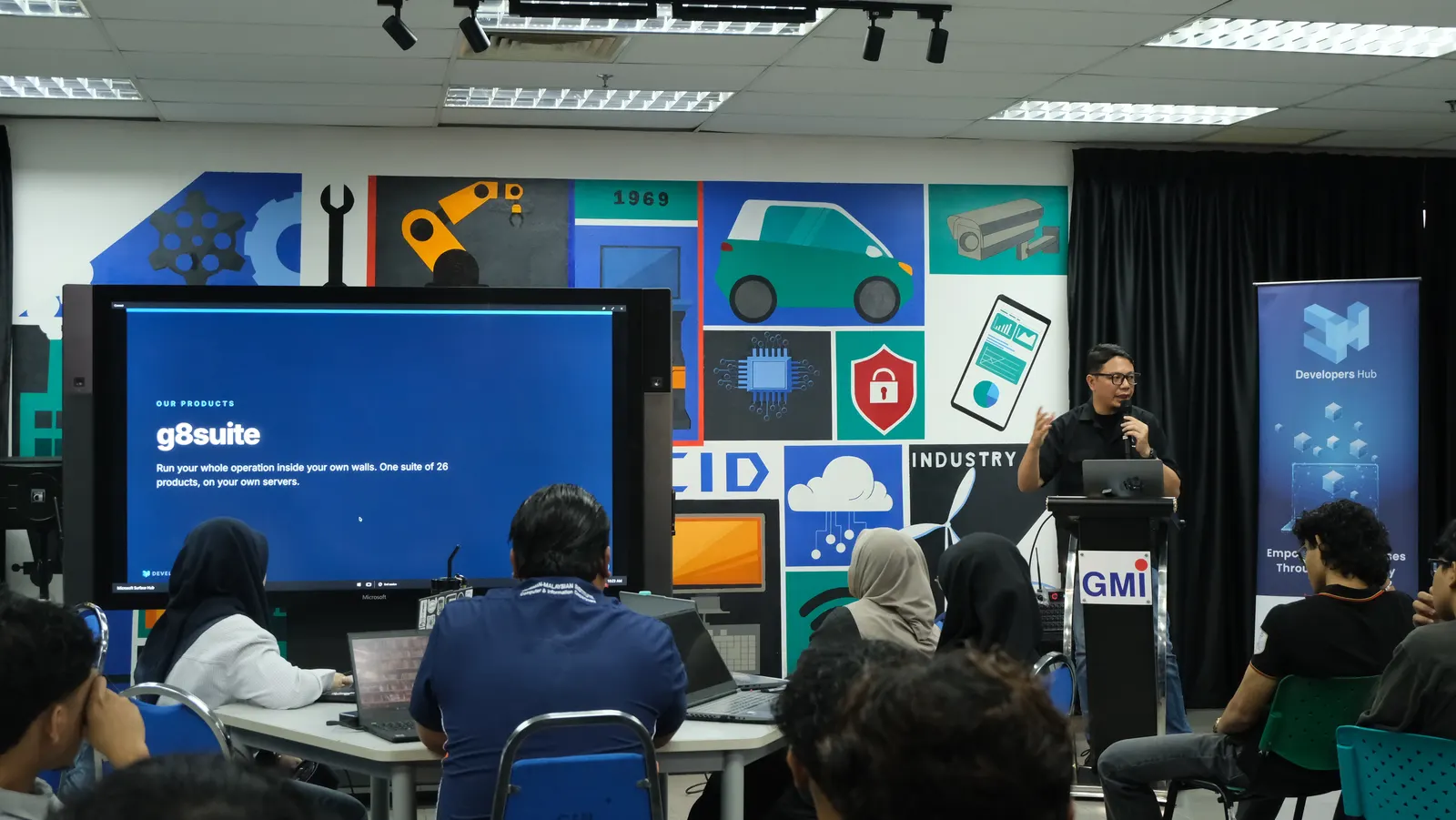
We mapped each DevOps practice to what the platform does. The pipeline runs on every push. Dev and demo environments are built in. Logs, health checks and rollback are in the dashboard, and anyone on the team can deploy. We also said plainly what it does not do yet. It has no web application firewall or security headers on the web server it sets up, so an application that needs them should put its own in front. A technical audience finds the gaps anyway, and it is better that they hear them from us.
A live deployment
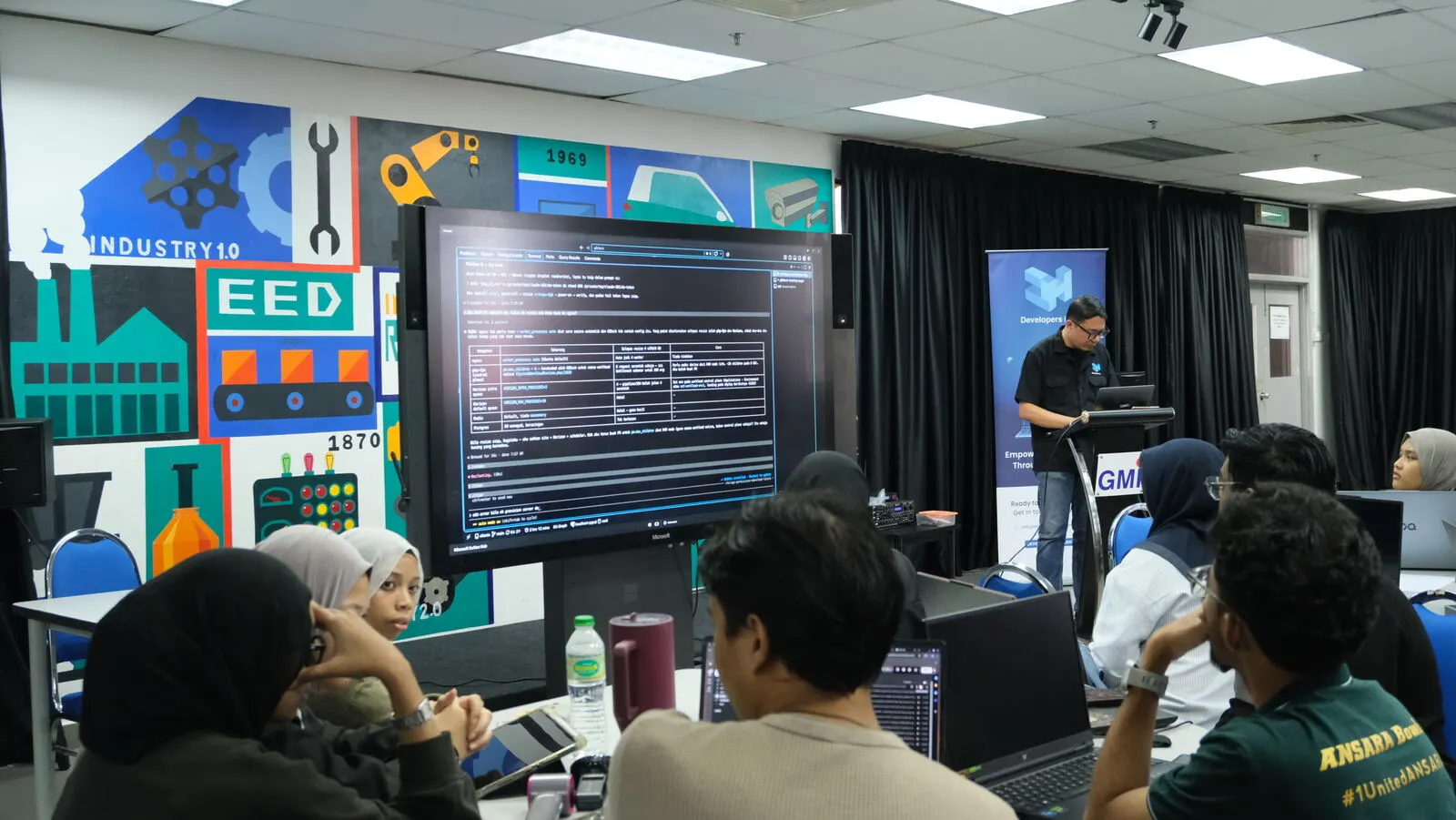
The morning finished with a deployment on screen, start to finish. We connected a repository, chose a Blueprint, and watched the pipeline clone, build, start and health-check the application. Each step reports what it did. When something fails, the platform names the step, and the logs are one click away. For a student, a failed step is something to learn from, not a support ticket.
Afternoon: everyone deploys
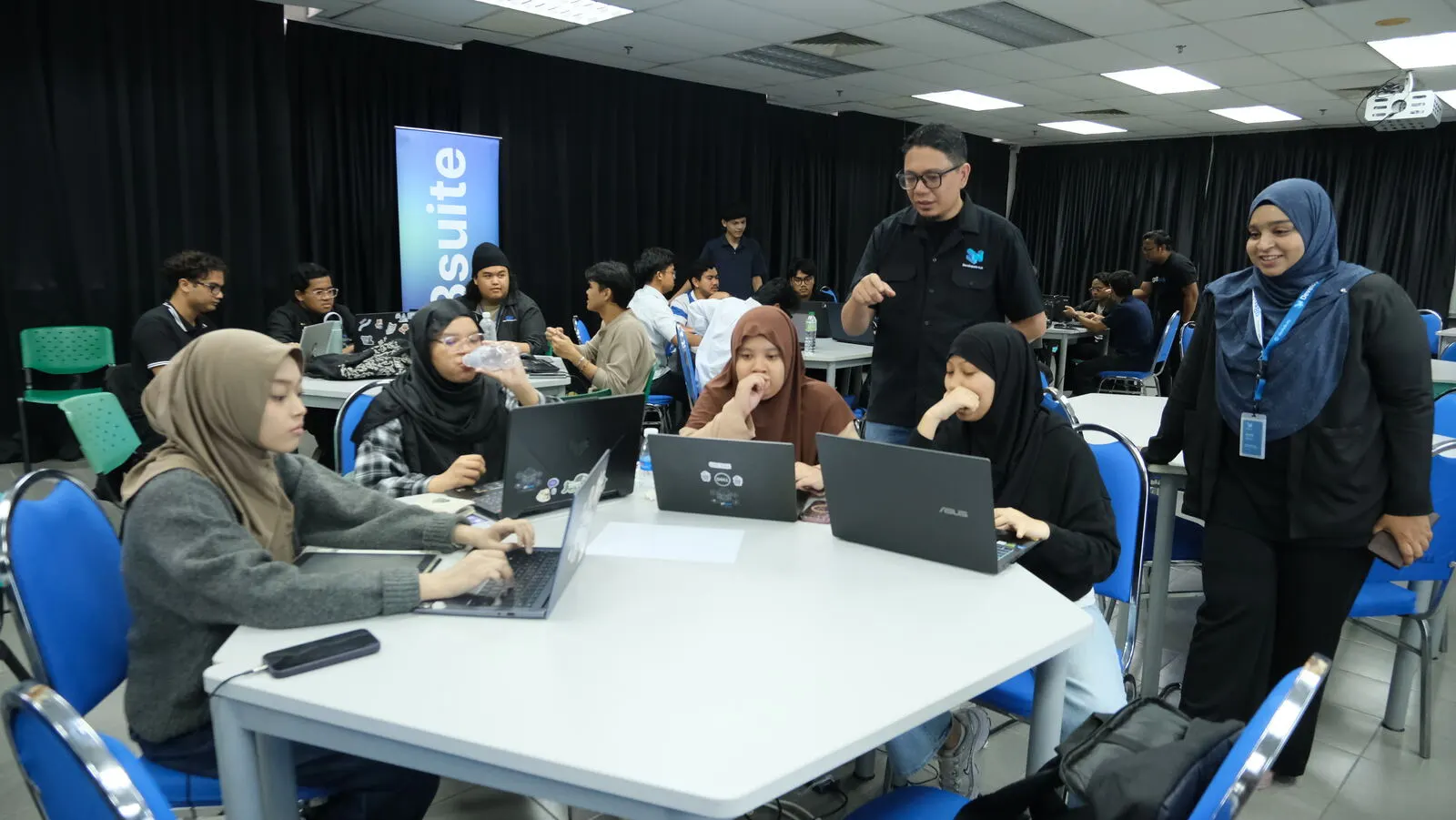
The morning was for watching. In the afternoon, everyone in the room put their own copy of a sample project online, one step at a time. Nobody moved on until the whole room had their hand up.
- Sign in to G8Deck with the email used to register for the event.
- Open your team and project. A team is an FYP group, and a project is the FYP itself.
- Fork the sample on GitHub, then create an application from that copy and test the connection.
- Deploy, and watch the pipeline until it says active. A slow step is not a failed step.
- Open the address on your phone, not just the laptop.
- Turn on push-to-deploy by adding a GitHub webhook once.
- Change one line, commit it, and watch the new version go live by itself.
- Stop the application, read the logs, start it again.
The last step is there on purpose. The first time a student opens the logs should be in a room full of help, not alone the night before assessment.
We also went through what usually goes wrong, and what it usually means:
- The build fails immediately. If it does not run on your laptop, it will not build here either.
- The build passes, but it will not start. Usually a missing setting or the wrong port. The last twenty lines of the logs say which.
- You pushed a change and nothing happened. Push-to-deploy is off, the webhook secret is wrong, or the change went into our sample instead of your copy.
The rule for the day was simple: read the logs, restart, and roll back if you need to, in that order. If you were still stuck five minutes later, you put your hand up.
Once the sample was live, groups moved on to their own final-year repositories. We finished with a briefing on G8Deck Certification, which assesses whether a student can run a system and not just build one. Each participant also received a two-page handout covering the steps, what to check when something breaks, and the key vocabulary. The accounts stayed active after the workshop, because a URL you can come back to on Monday matters more than a demo you watched on Wednesday.
What we took away
- The hands-on block is the part to protect. Someone who leaves with a live URL comes back. Someone who only watched a demo usually does not. If a day like this runs late, cut theory, never the hands-on time.
- Say out loud what the platform does not do yet. The room had technical people in it. They trust you faster when you are clear about the limits.
- Teach the logs early. Most failures explain themselves in the last twenty lines. A student who has read them once, with help nearby, rarely needs to open a support ticket later.
- One day is enough to start, not to finish. The workshop starts the pilot. The real test comes at assessment week, when examiners open the link themselves.
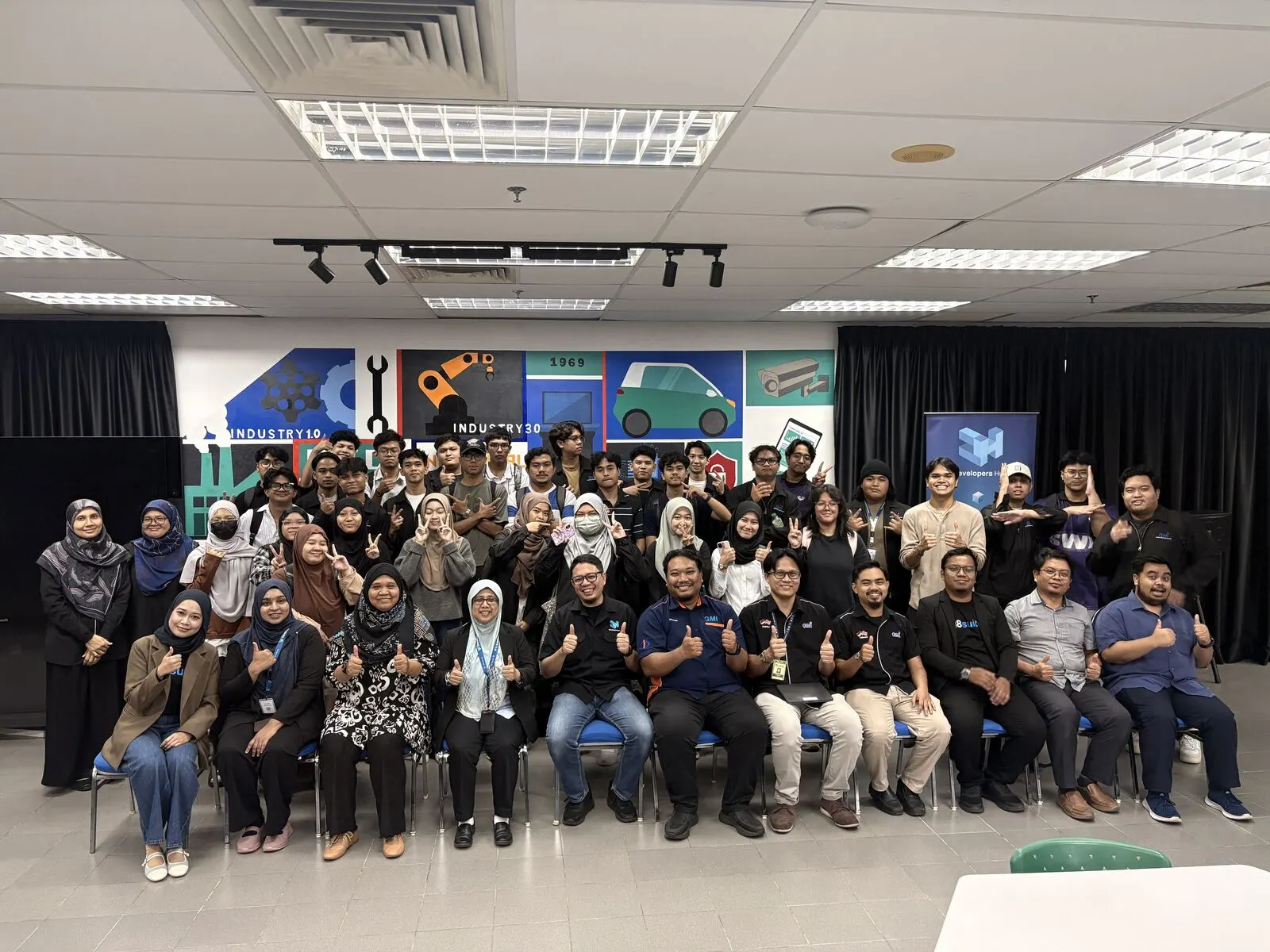
Thank you to GMI's students, lecturers and IT team for spending the day deploying with us.
Bring it to your institution
G8Deck Uni Discovery is a format we can repeat. It is one day on your campus, for students, lecturers and IT together. The same platform can then run on your own infrastructure for a pilot. If you would like to run it for your next final-year cohort, see Technology Education or get in touch.